
Media
Images are plain <img> elements, scaled to the content width. Wrap
one in <figure> with a <figcaption> for a caption.
Internal Images
Reference images from your project; every file that is not a page is copied to the output at the same path:
<img src="/screenshots/docs.webp" alt="An htmlpress docs page">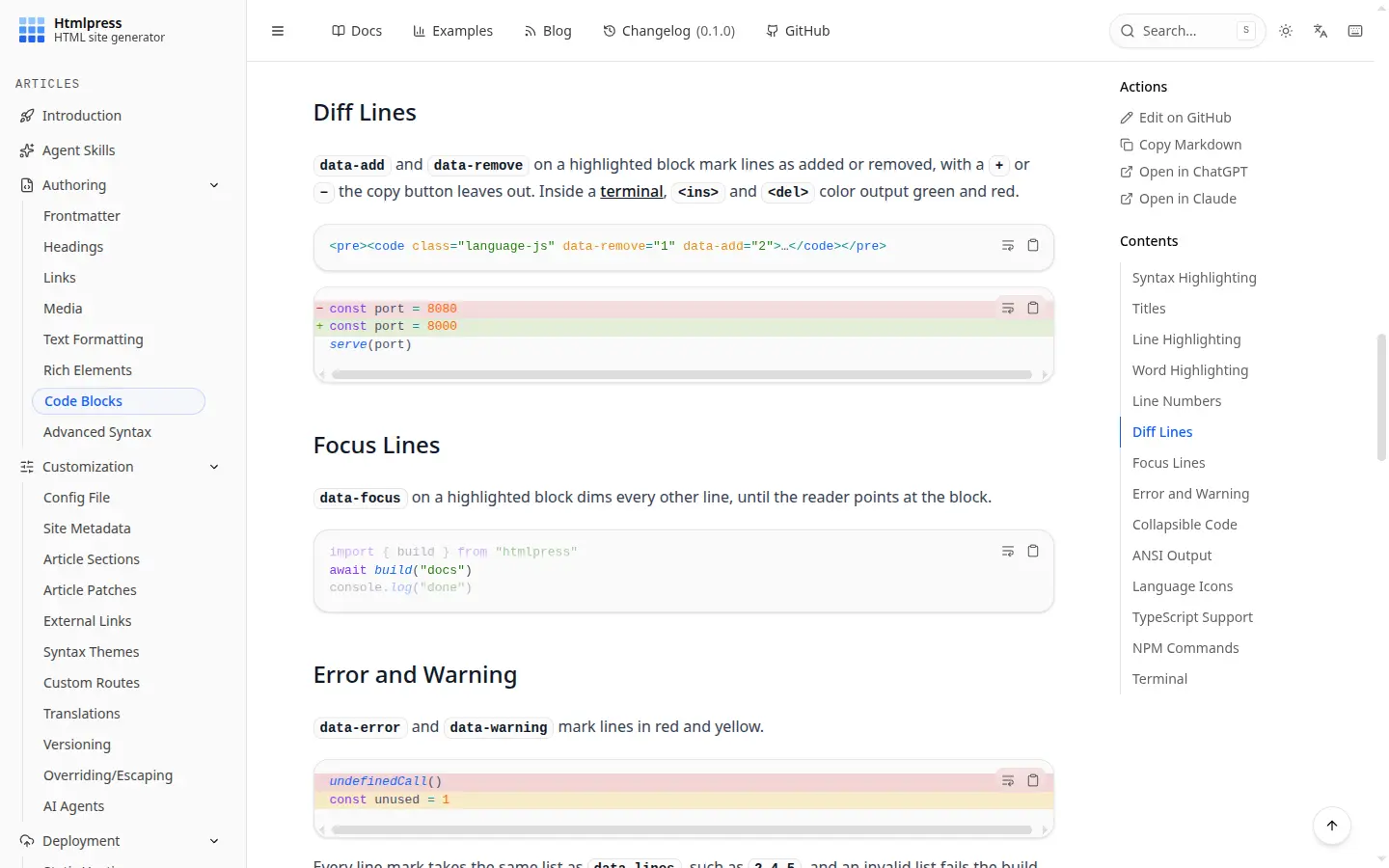
A relative src, srcset or poster is resolved from
the page's source file, so it keeps working at the page's folder URL, under a language
prefix, or at another <meta name="path">.
Renders as:

External Images
Reference images from external URLs:
<img src="https://picsum.photos/seed/htmlpress/800/300" alt="Placeholder">Renders as:
Base64 Images
Embed small images directly using data URIs:
<img src="data:image/png;base64,iVBORw0KGgo…" alt="banner">Renders as:

Themed Images
data-theme="light" or data-theme="dark" on an
<img> shows it in that theme only, following the header's theme
toggle as well as the system setting; Livemark's #light and
#dark endings on the src work too. Put the pair side by side:
<img src="/screenshots/docs.webp" alt="The docs" data-theme="light">
<img src="/screenshots/docs-dark.webp" alt="The docs" data-theme="dark">
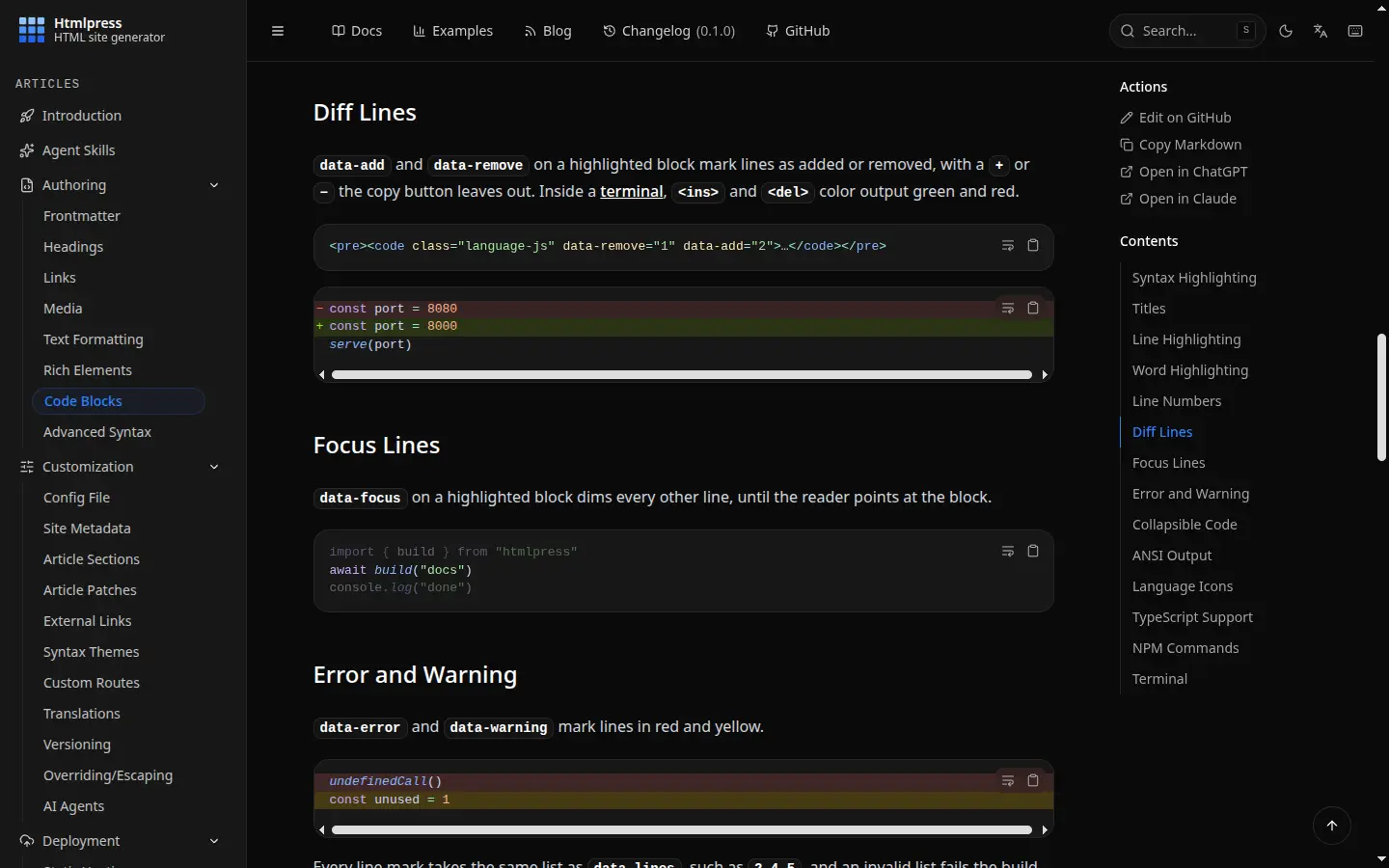Renders as (toggle the theme to switch):
The page's Markdown copy keeps only the light image.
Image Zooming
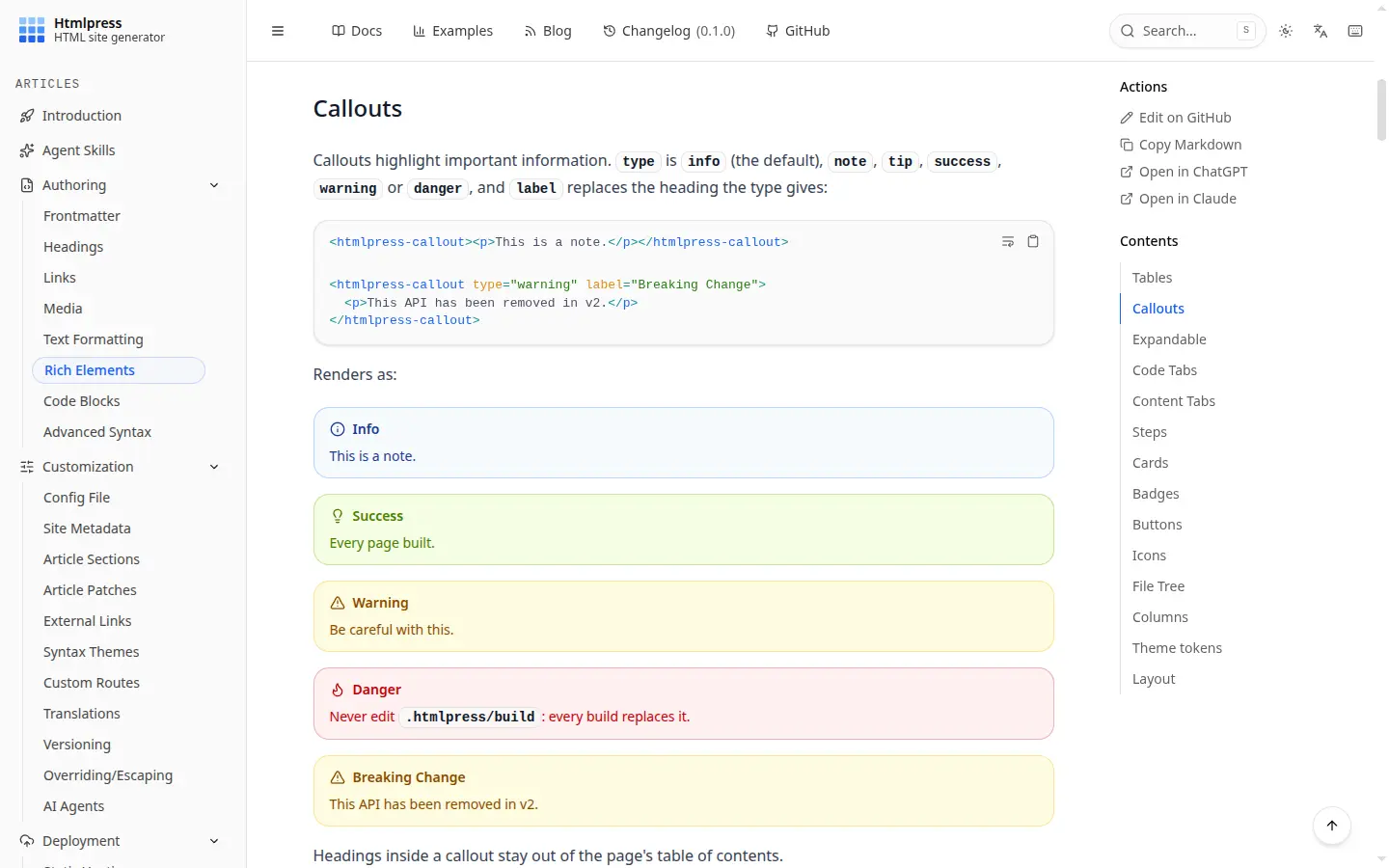
Every image in a page opens full screen on click, unless a link wraps it; a click anywhere closes it. It works with internal, external and base64 images alike.
<img src="screenshot.png" alt="The docs site">Renders as (click it):
Video Blocks
<htmlpress-video type="youtube" url> plays the video at its
url (a watch, youtu.be, embed,
shorts or live URL); without the script it stays a link:
<htmlpress-video type="youtube" url="https://www.youtube.com/watch?v=dQw4w9WgXcQ"></htmlpress-video>::video{type="youtube" url="https://www.youtube.com/watch?v=dQw4w9WgXcQ"}Renders as:
Audio Blocks
<htmlpress-audio type="soundcloud" url> plays the track at its
url; without the script it stays a link:
<htmlpress-audio type="soundcloud" url="https://soundcloud.com/flume/never-be-like-you-feat-kai"></htmlpress-audio>::audio{type="soundcloud" url="https://soundcloud.com/flume/never-be-like-you-feat-kai"}Renders as:
Created with ❤ and Htmlpress